
Setting up Mail on iPhone
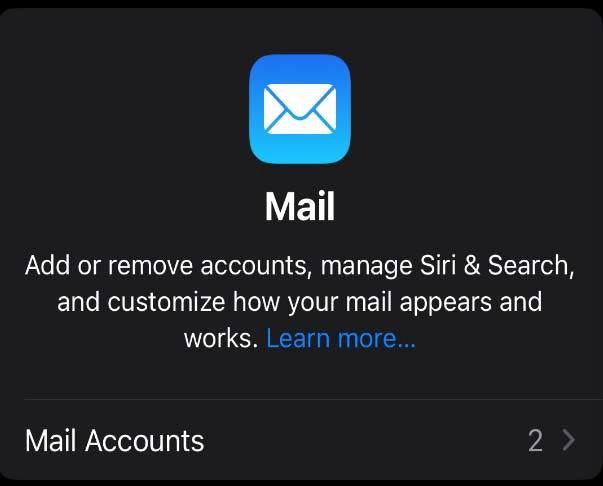
1. Open Settings on your iPhone, search for and select Mail,

2. then tap Mail Accounts.
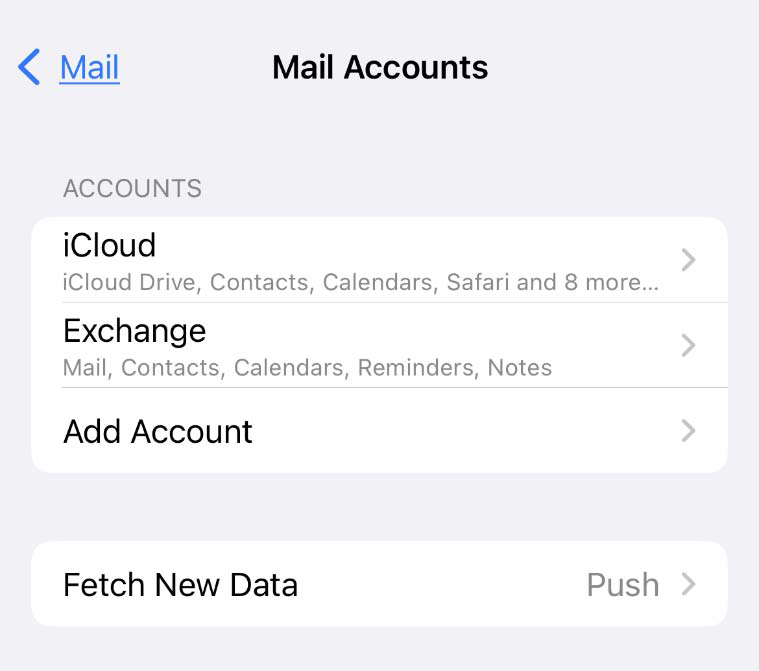
3. Tap Accounts, then choose Add Account.
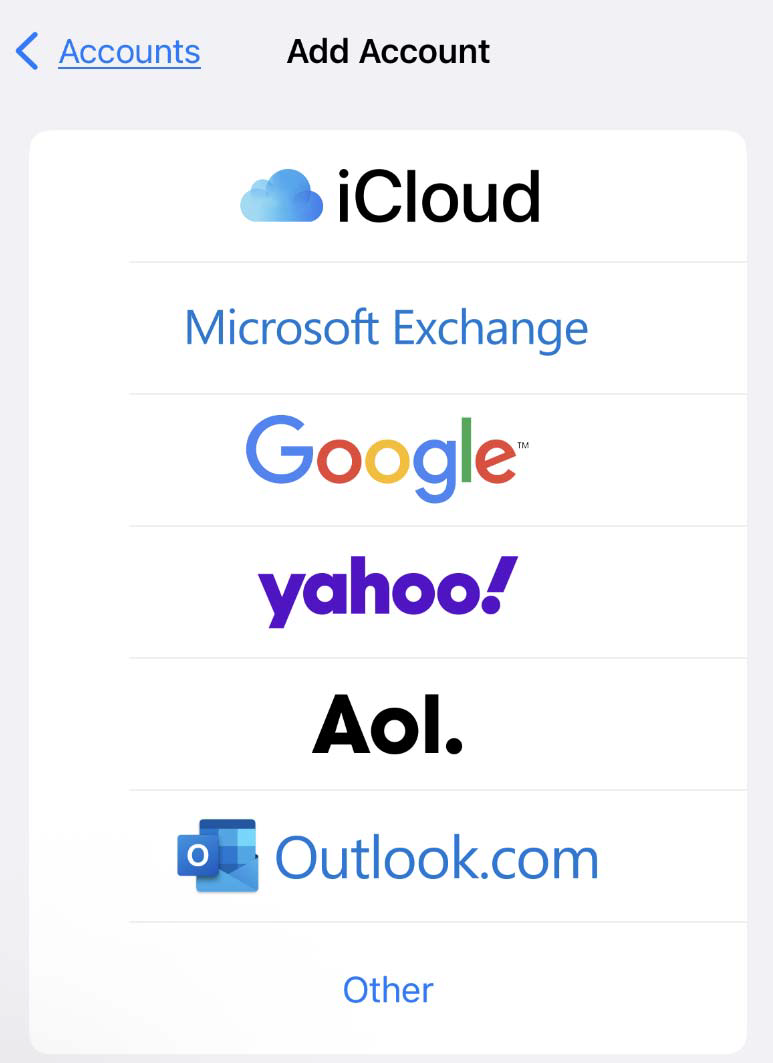
4. Select Microsoft Exchange.
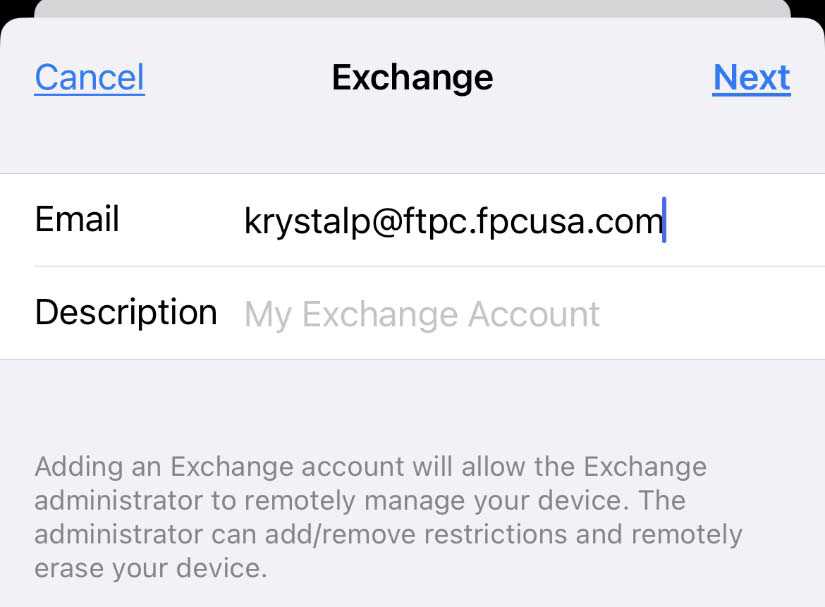
5. Enter your work email address, then tap Next.
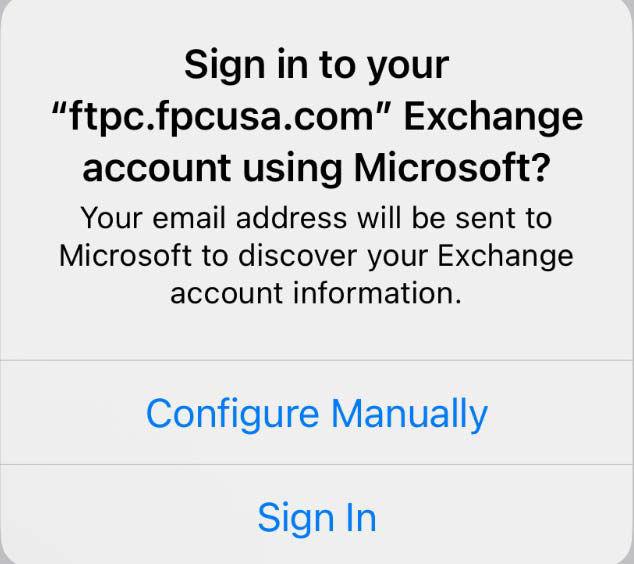
6. When asked how to set up the account, tap Sign In.
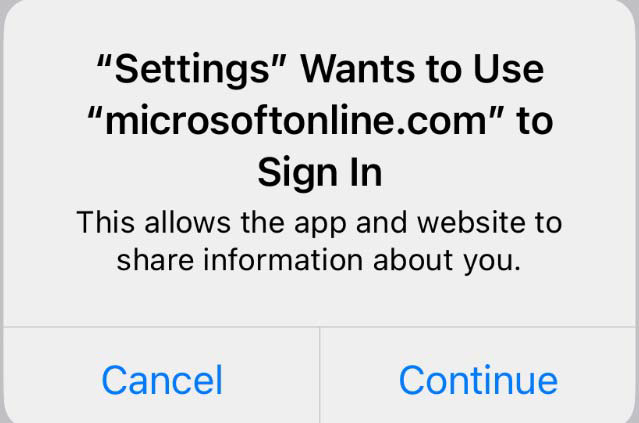
7. Tap Continue when prompted to sign in.
8. Select the items you want to sync (Mail, Contacts, Calendars, etc.), then tap Save.
Note - Please see attached instructions if you wish to save them to your device.