
Setting up Mail on Android Devices
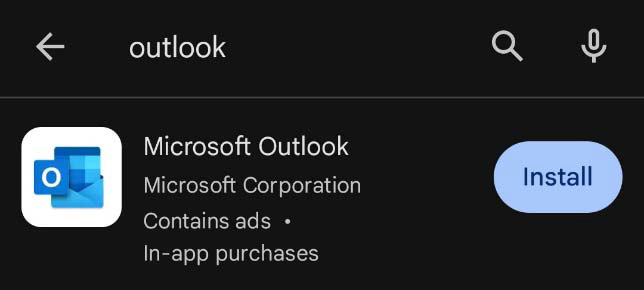
1.Open your device’s App Store (iPhone) or Google Play Store (Android) and search for
Microsoft Outlook. Download and install the app shown below.
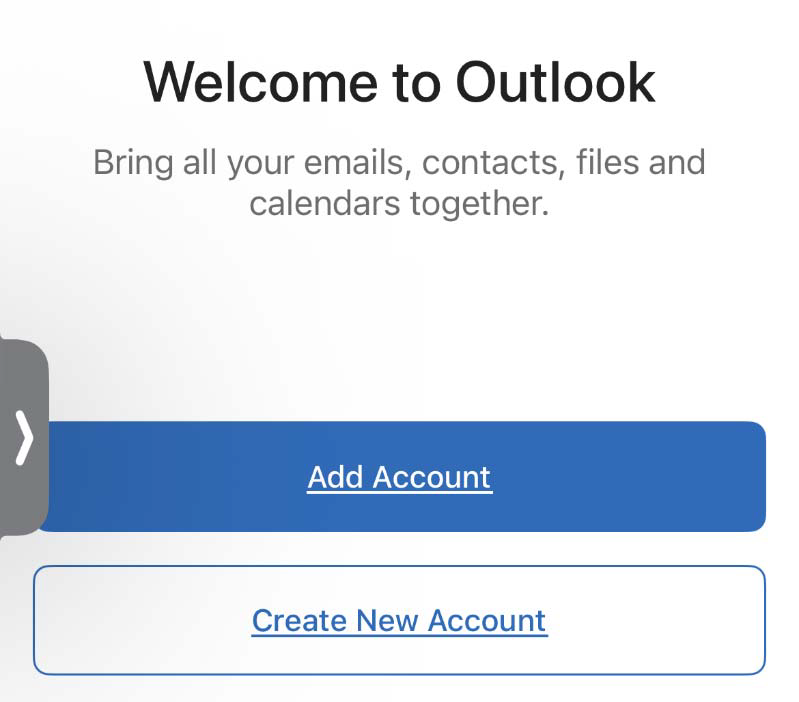
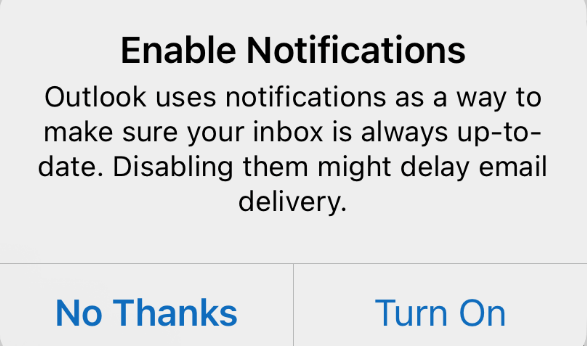
2. Once installed, open Microsoft Outlook and select Add Account.
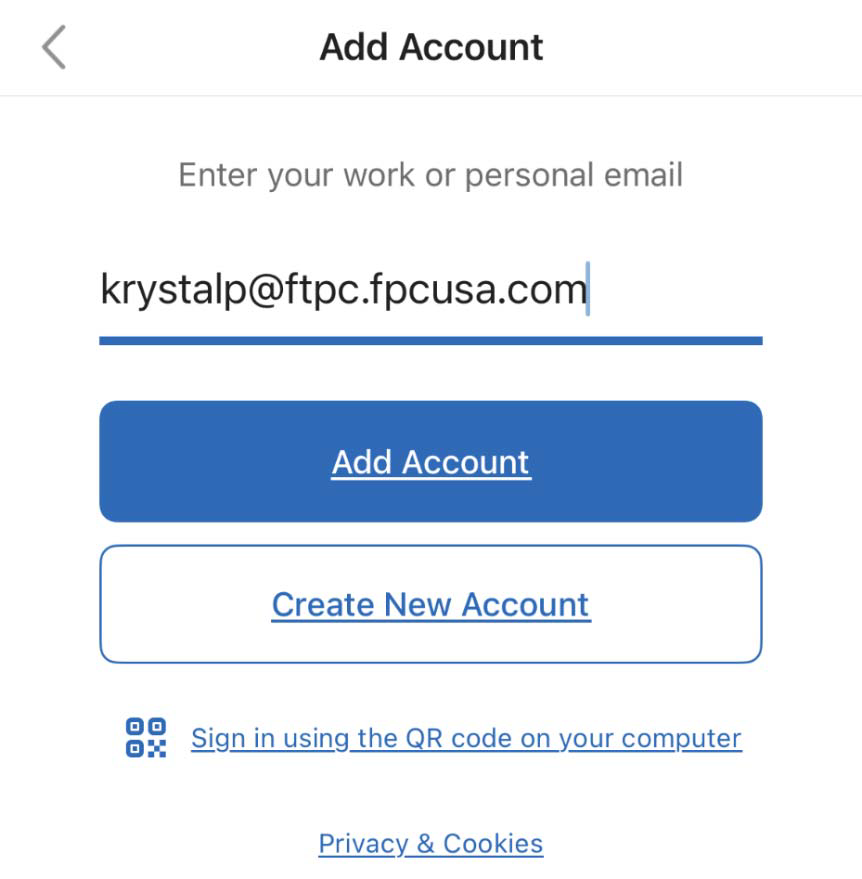
3. Enter your work email address, then select Add Account
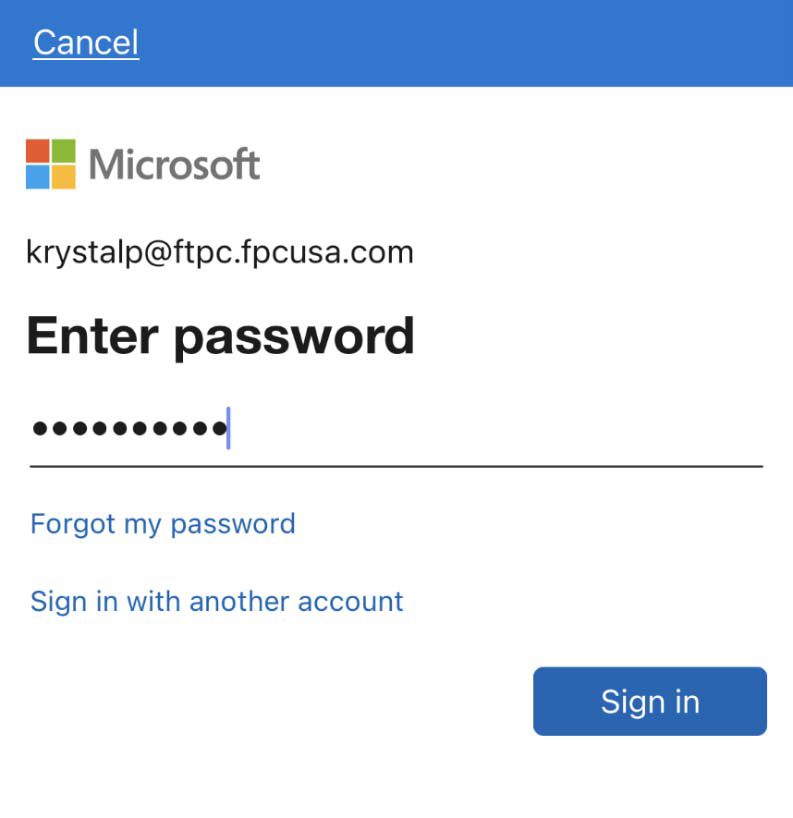
4. Enter Network password > Sign in
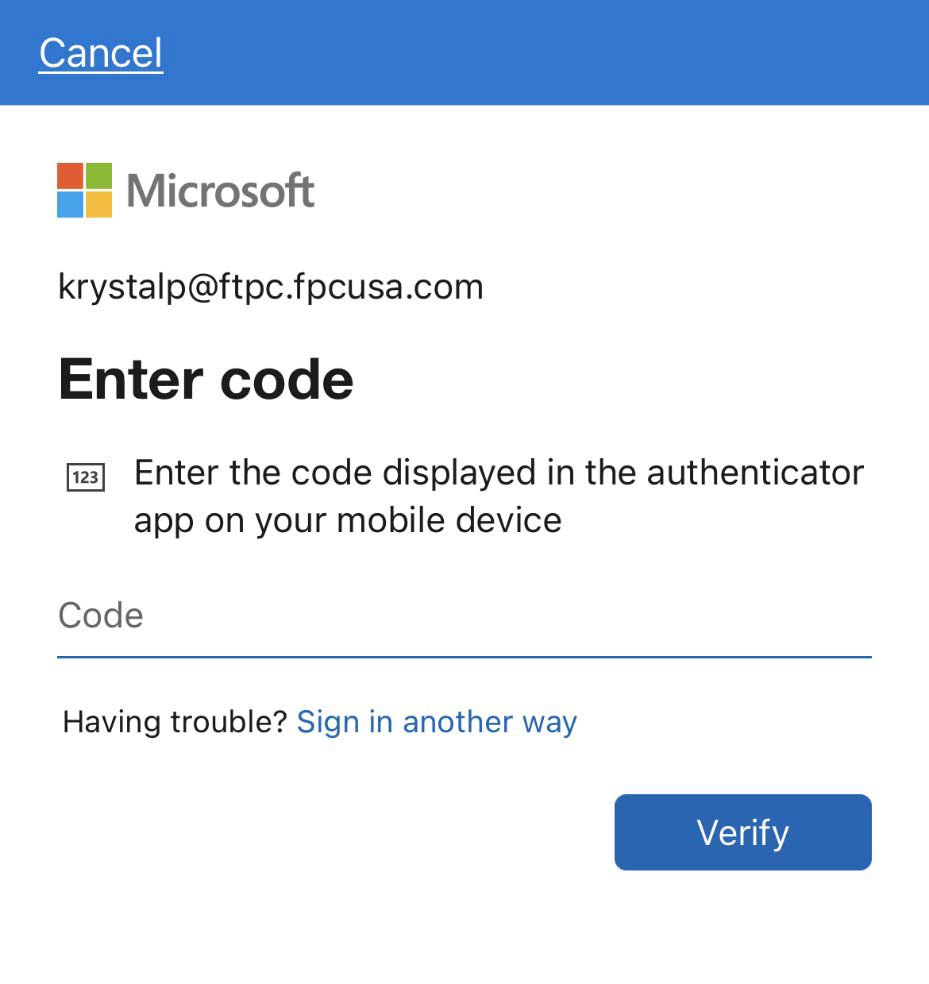
5. Using the Microsoft Authenticator app on your mobile device provide the code requested for
access.
To update an existing account
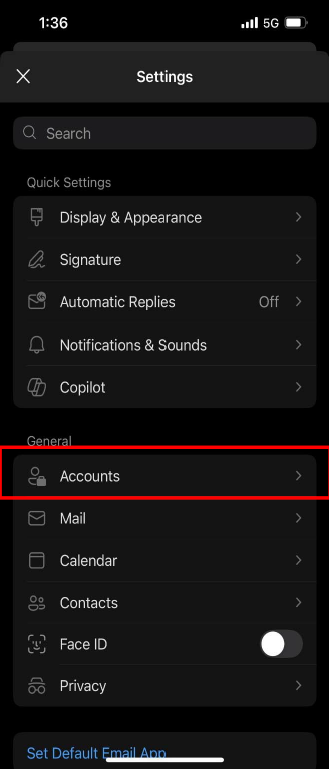
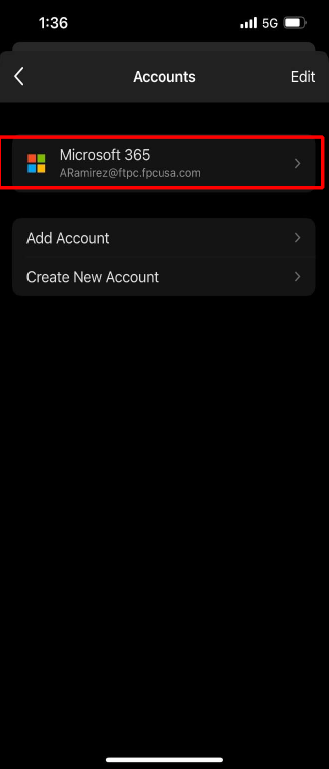
1. Select Accounts, then choose the existing account.
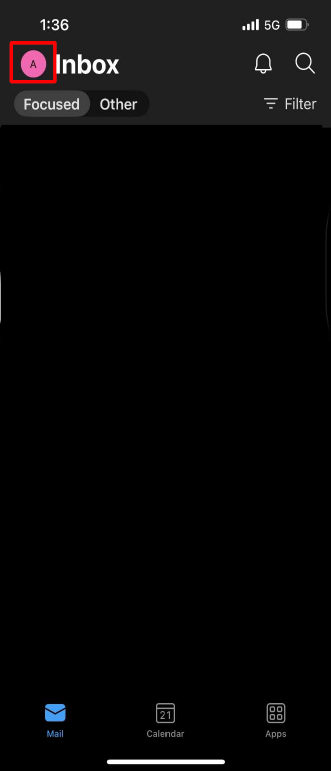
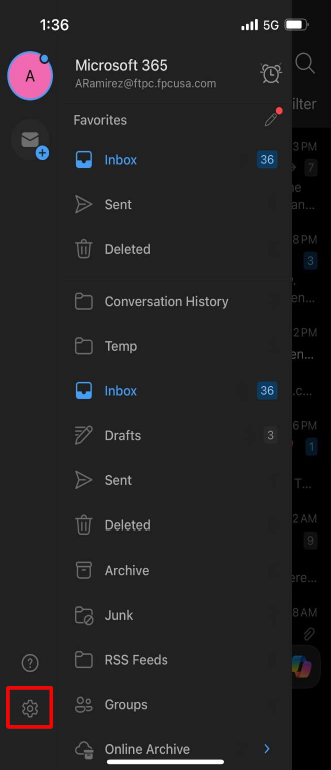
2. Select Accounts, then choose the existing account.
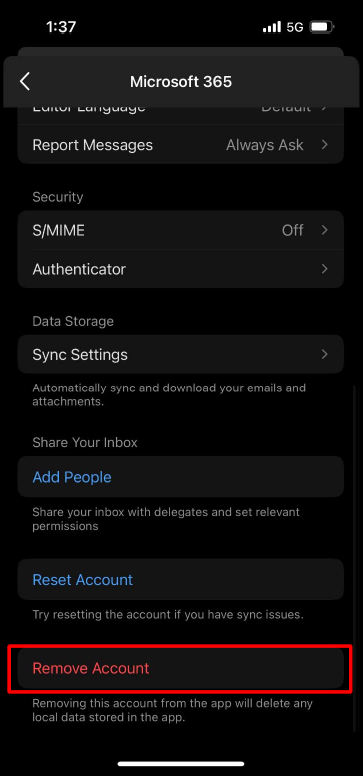
3. Scroll down to the bottom and select remove account. Proceed back to the start of document for setting up profile.
Note - Please see attached instructions if you wish to save them to your device.