
If you need to save, back up, or archive emails, creating a PST file allows Outlook to store a separate local copy of selected email data on your computer. A PST file is useful for organizing older messages, freeing up mailbox space, or keeping a backup without affecting your active mailbox.
1. Open Outlook and click on File in the top right
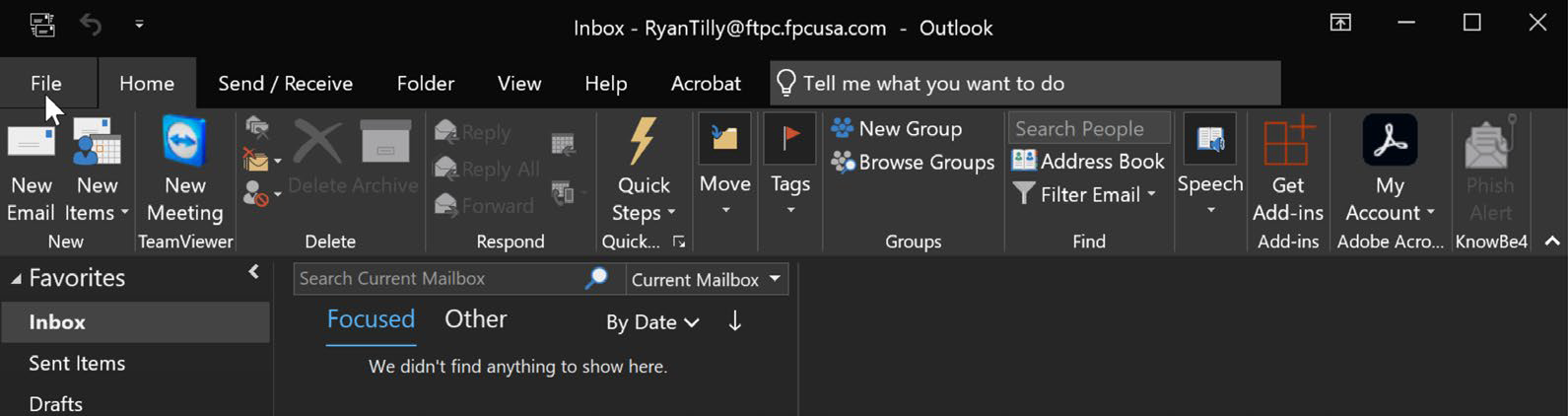
2. Click Account Settings
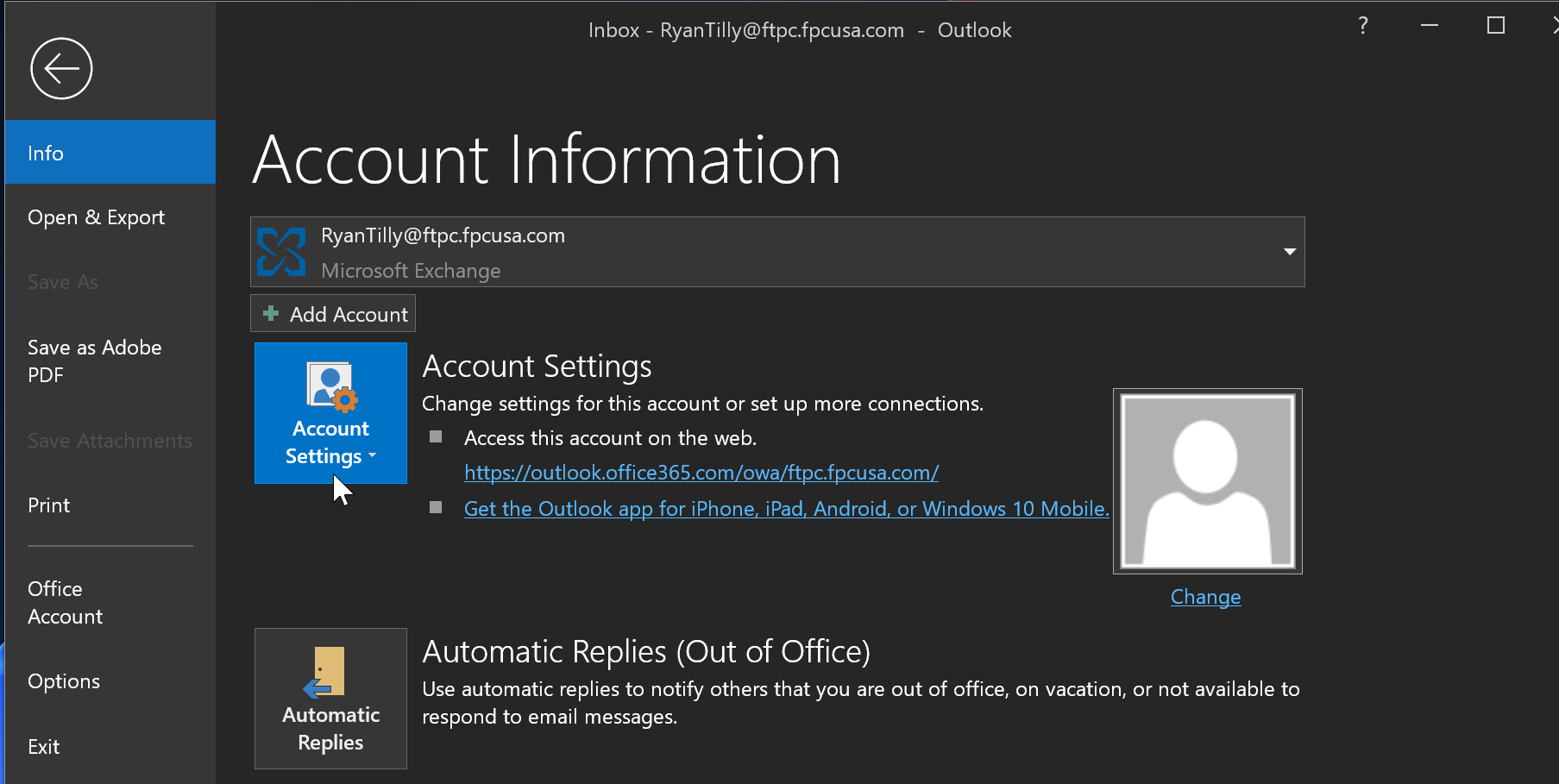
3. Select Account Settings again
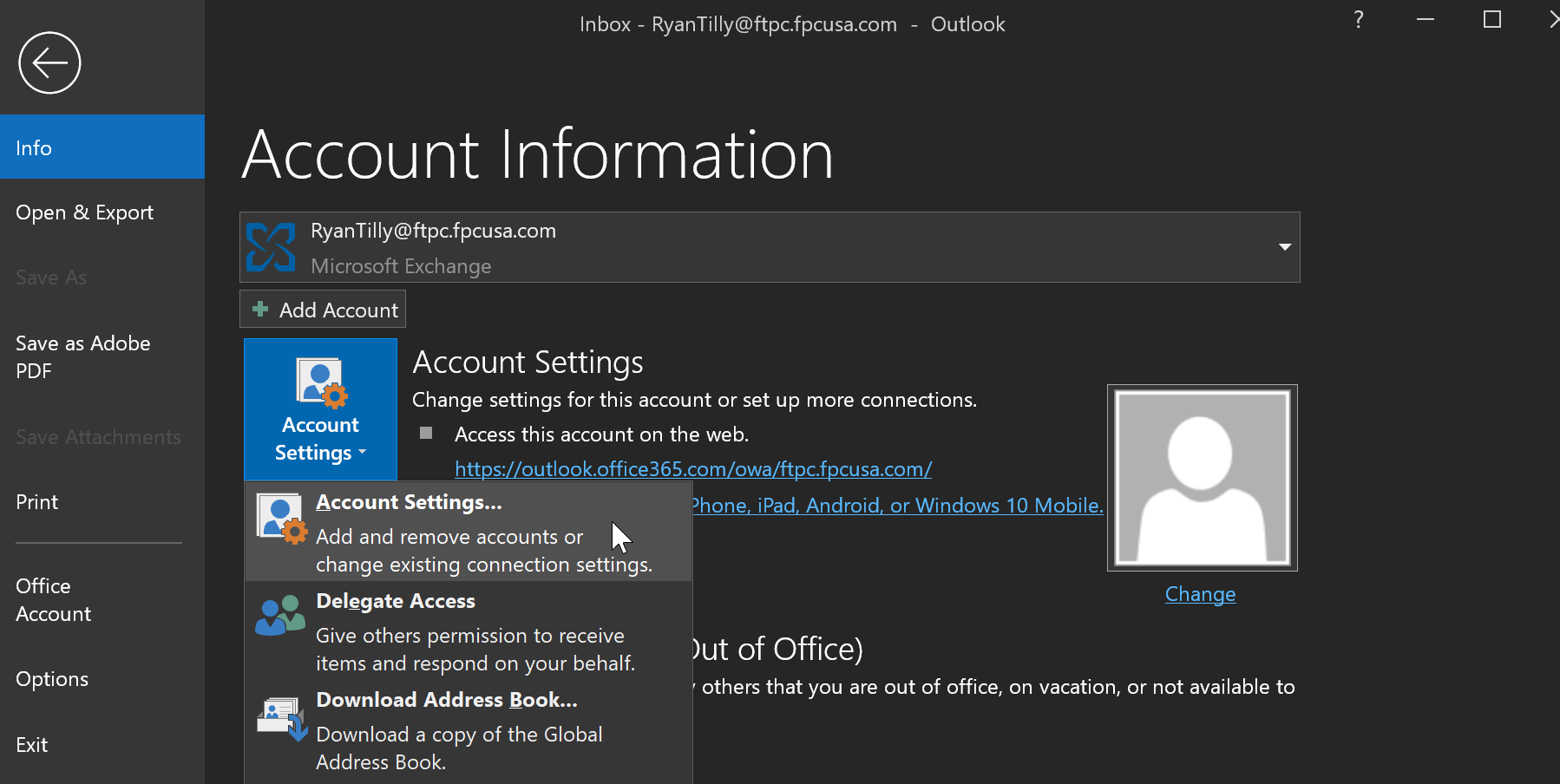
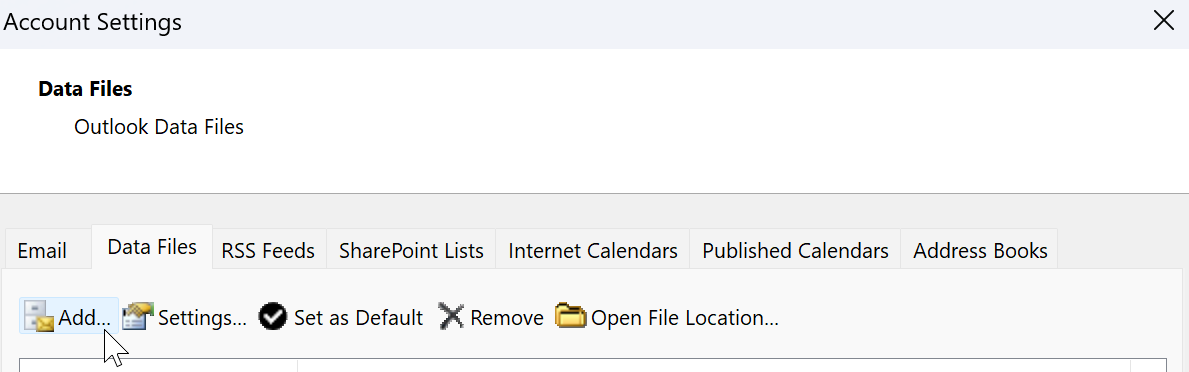
4. Select the Data Files tab
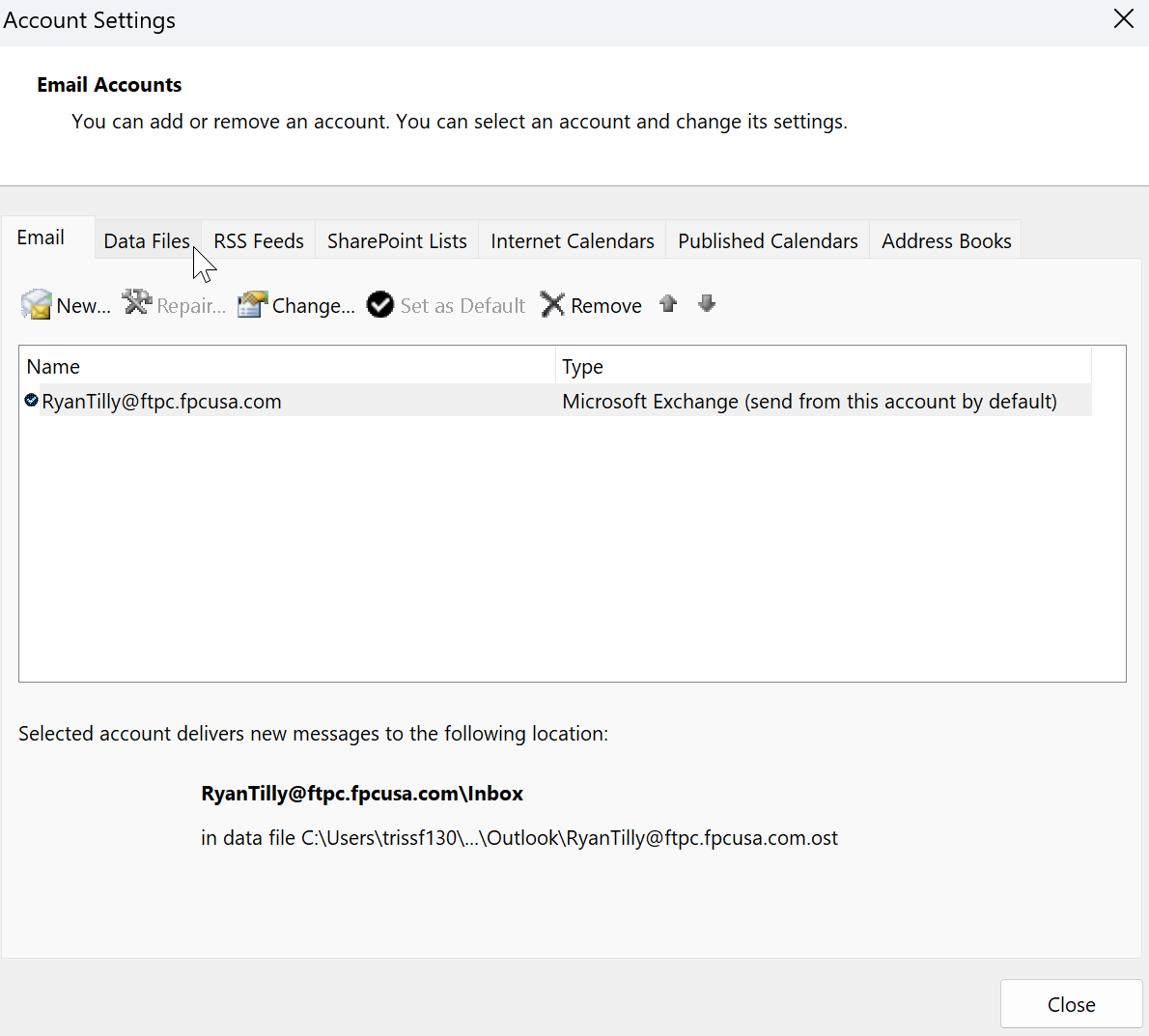
5. Select Add
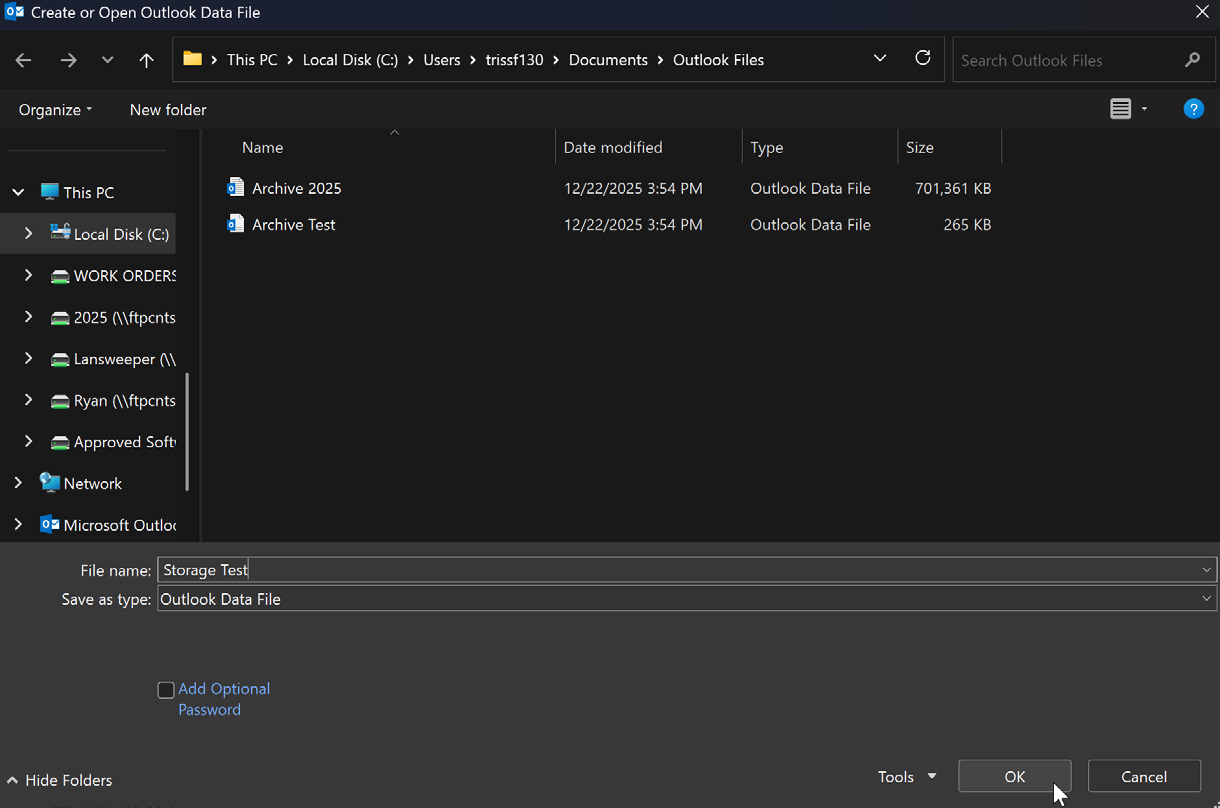
6. Select the file name and choose the location where you want it saved, then select OK. (The default location is: C:\Users\USERNAME\Documents\Outlook Files)
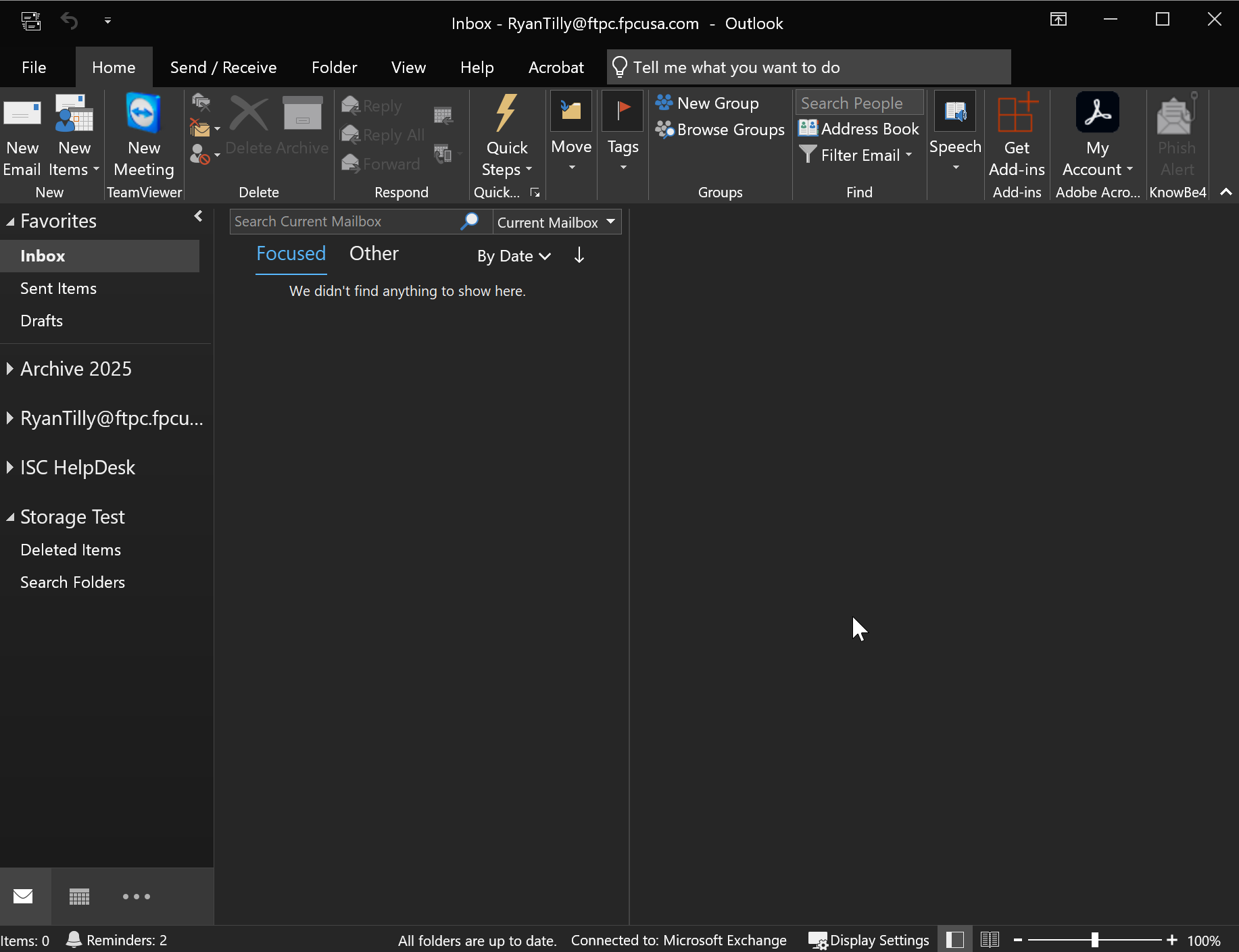
7. Return to the Outlook Home screen. The newly created PST file will appear in the left pane.
Note - Please see attached instructions if you wish to save them to your device.