
If emails are being returned as undeliverable, it may be due to an outdated saved email address in Outlook. Clearing the AutoComplete list allows Outlook to re-check the recipient against the directory and send the message correctly.
Note - that clearing the AutoComplete list removes all previously saved email suggestions, including external contacts and addresses that are not part of the company Global Address List, so you may want to take note of these before proceeding
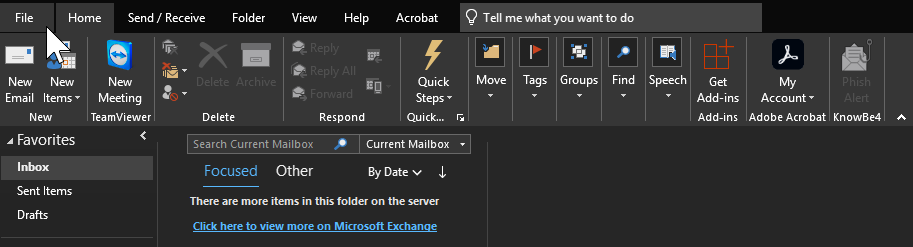
1. Open Outlook and click on File in the top right
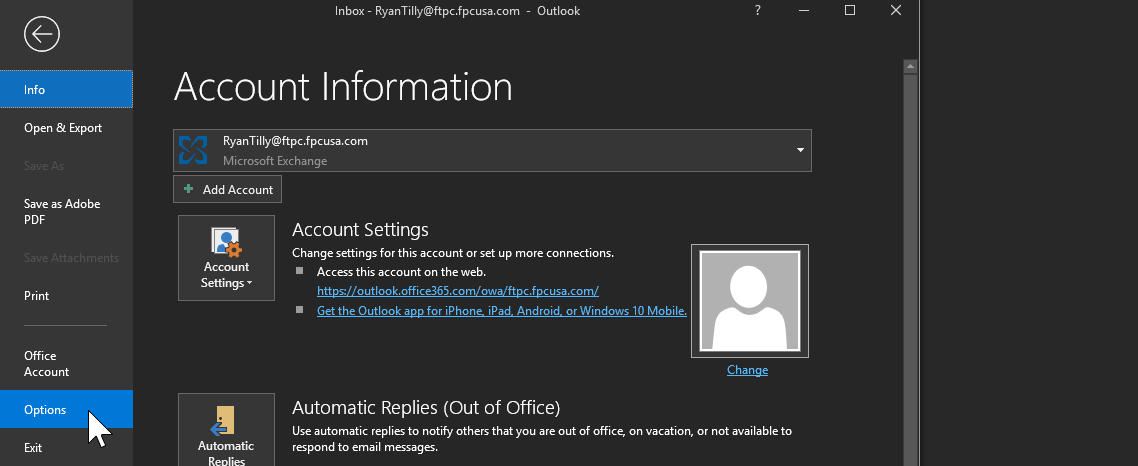
2. Click Options
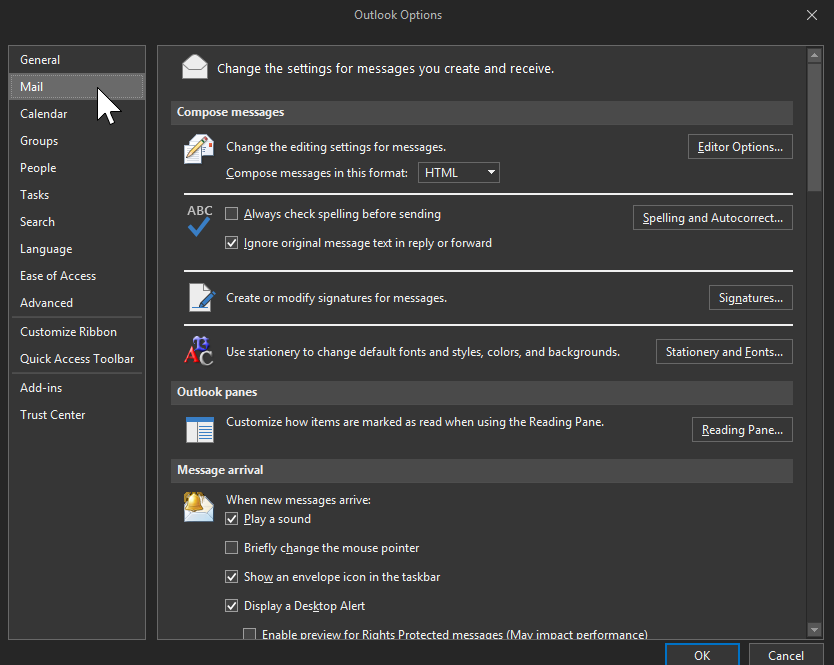
3. Select Mail
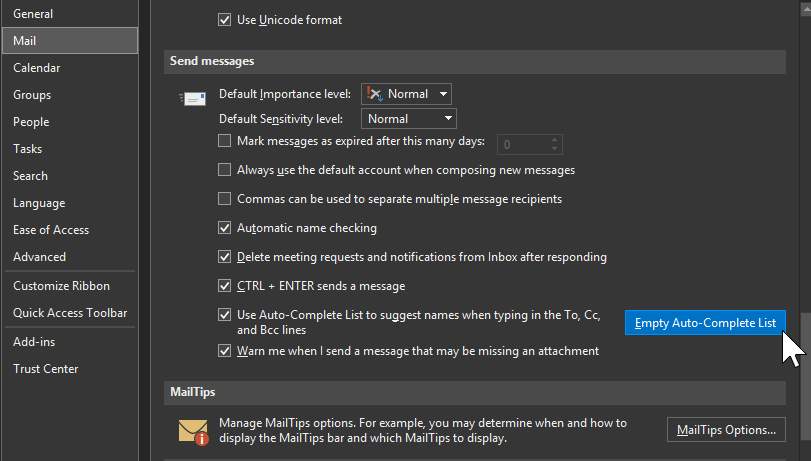
4. Scroll down to the Send messages section
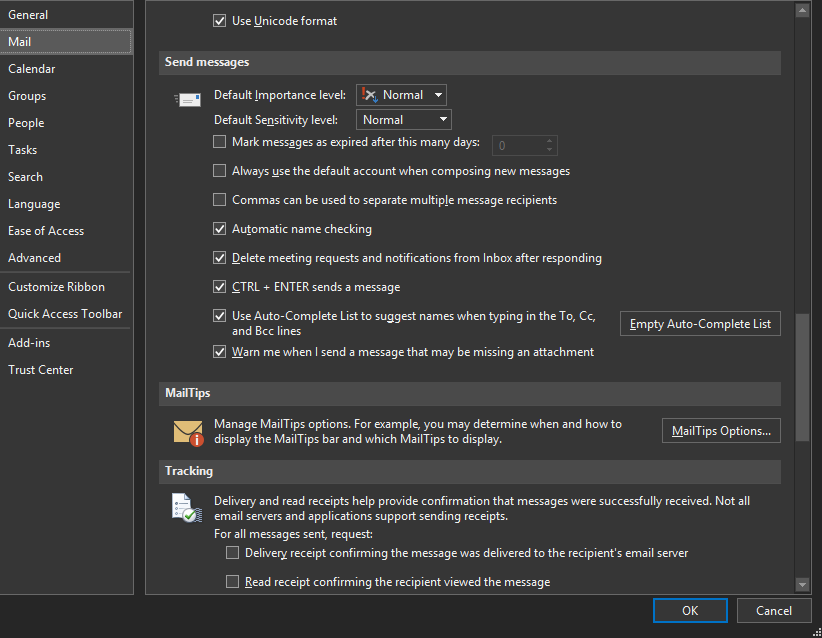
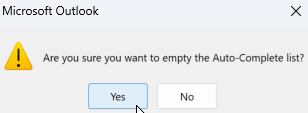
5. Click Empty Auto-Complete List and click Yes to confirm
6. Click Yes to confirm
7. Restart Outlook and attempt to resend the previously undeliverable email.
Note - Please see attached instructions if you wish to save them to your device.